Short answer
To build a dropshipping store, sign up for Shopify, choose a free theme, connect your supplier app, and write honest shipping and refund policies. Then put most of your effort into one product page with real photos, a clear delivery range and a plain FAQ. One excellent page beats fifty imported products.
Key takeaways
- Shopify Basic and a free theme are enough to launch.
- Spend your time on the product page, not the homepage.
- Use page builders or custom code for ad-specific landing pages.
- Remove fake urgency and imported reviews; they cost trust.
Shoppers decide whether to trust a new store in seconds, and they decide mostly on the product page. That's good news: you don't need fifty products or a custom logo to start. You need one page that answers every question a careful buyer would ask.
In this chapter7 sections
Why this chapter matters
- Your store's conversion rate sets how much you can afford to pay for each ad click.
- Clear policies and delivery promises reduce chargebacks before they happen.
- Ad platforms review your landing page; a thin or misleading page can get ads rejected.
What tools do you need for this step?
Prices checked November 2026. Estimates are marked as ranges.
How do you set up a dropshipping store?
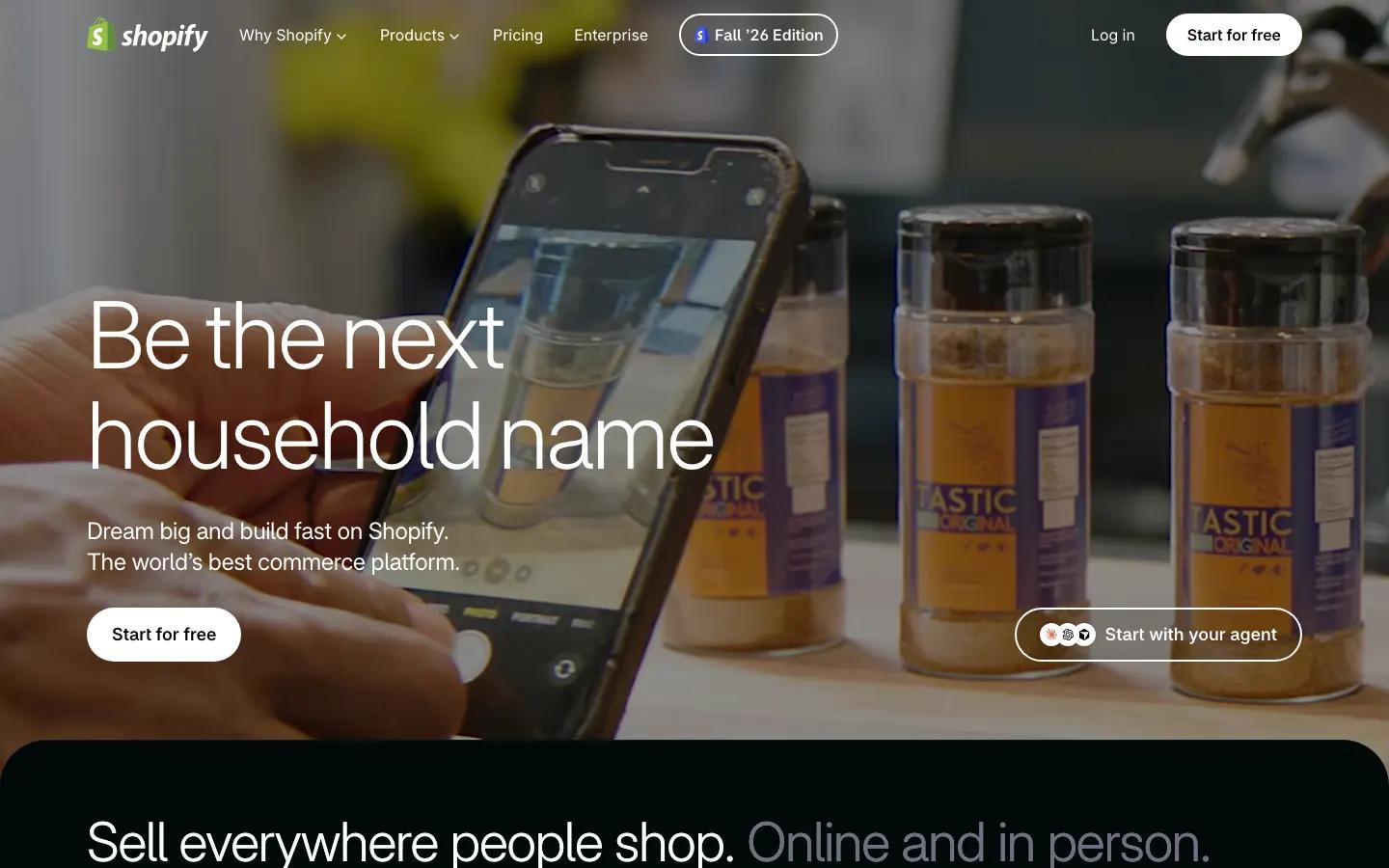
Shopify is the default for dropshipping for a reason: checkout, payments, taxes, apps and themes in one place, and nearly every supplier app supports it. Other platforms work too, but tutorials and apps assume Shopify, and so does this chapter.
1. Create the store and buy a domain
Pick a name that fits your niche rather than your first product, so the store can grow. Buy the .com through Shopify or any registrar.
2. Turn on payments
Set up Shopify Payments (or your region's equivalent) and PayPal. Use your real business details; mismatches cause payout holds.
3. Set shipping rates
Free shipping with the cost folded into the price is the simplest offer to explain. Whatever you choose, make it match the product page.
4. Install your supplier app
Import your product, then rewrite the title and description and replace the photos.
5. Write the policies
Shipping, refunds, privacy and terms. Shopify can generate templates; edit them so they match the delivery promise you are responsible for.
Theme, page builder or custom code: which should you use?
There are three ways to make the pages themselves, and most stores end up using more than one.
| Approach | Best for | Trade-off |
|---|---|---|
| Shopify theme | The whole store on day one | Product pages look like every other store on that theme |
| Page builder | Product and landing pages built for a specific ad or offer | Another tool to learn, often a monthly fee |
| Custom code | Unusual layouts, full control | Needs a developer for every change |
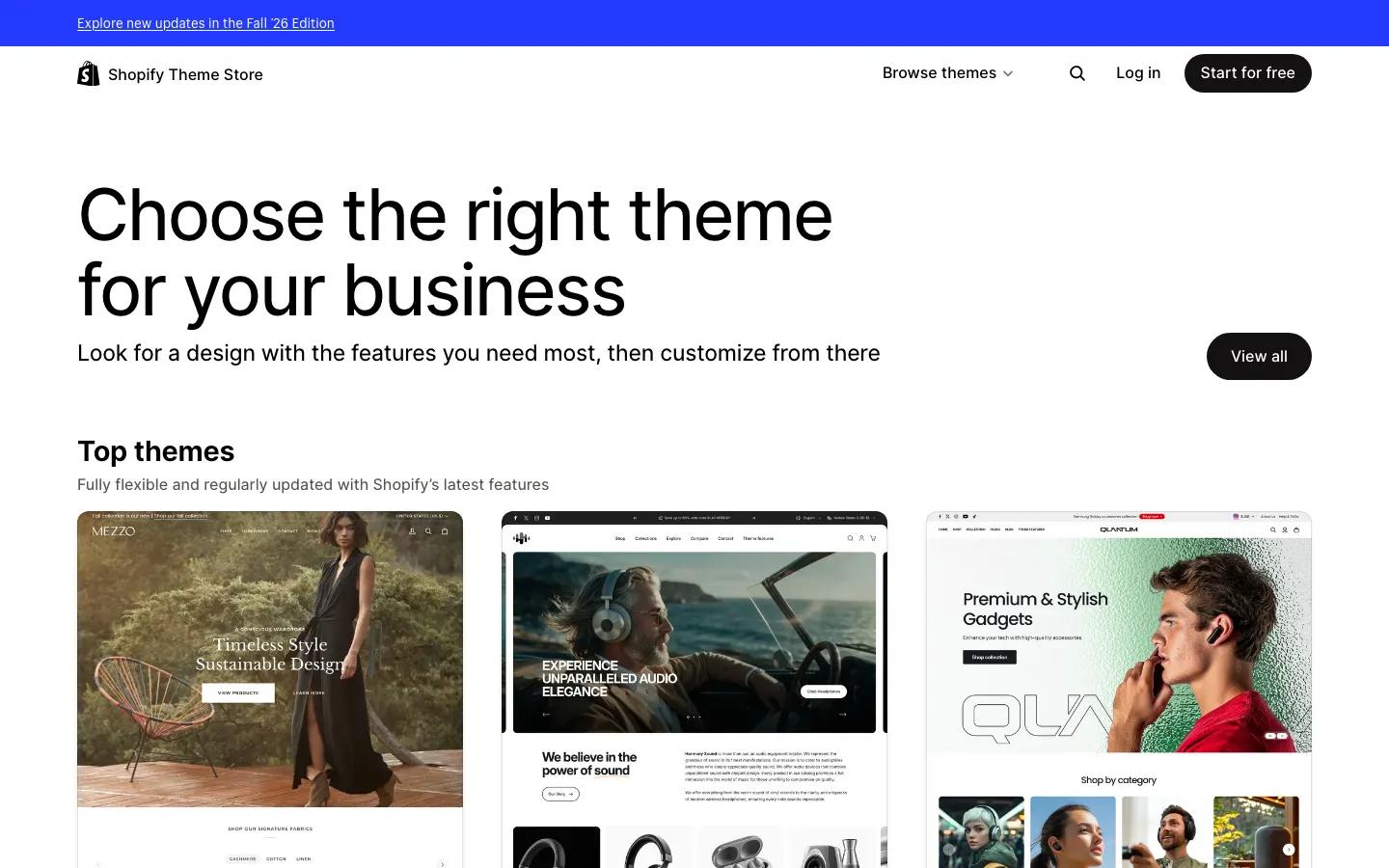
Start with a free theme for the storefront, navigation and policies. When you begin running ads, the product page and any dedicated landing pages matter most, and that is where page builders earn their keep.
Tools like PageFly, Shogun and Replo let you design those pages without code, and Replo can also draft a page from a written prompt that you then edit. If you already work with a developer, custom sections in your theme are a fine alternative.
What should a dropshipping product page include?
A product page has one job: answer every question a hesitant buyer has, in the order they have them. Here's the anatomy we recommend for a first product.
Arrives in 8–14 business days · Free shipping
- Real photos and a short video of the sample from your test order. Show scale with a hand.
- A headline that names the outcome, not the product category: "Gets your senior dog onto the sofa again" beats "Pet Ramp".
- Price and any bundle offer, with savings shown honestly.
- A delivery range you can keep, written near the buy button.
- Reviews only if they are real. Importing marketplace reviews as your own misleads buyers. A new store with no reviews is normal.
- An FAQ answering sizing, materials, shipping and returns in plain words.
How do you make a new store look trustworthy?
Trust is mostly the absence of red flags. Shoppers notice countdown timers that reset, "only 2 left" on a product that never runs out, and an About page that describes no one. Remove them.
- A real contact email on your own domain, answered within a day.
- An About page that says who runs the store and why it exists.
- Consistent prices and shipping times across the ad, the page and checkout.
- Order confirmation and shipping emails rewritten in your store's voice.
What mistakes should you avoid?
Importing 50 products on day one
It reads as a generic store and spreads your attention thin. Launch with one hero product and two related items at most.
Fake urgency and fake reviews
They erode trust with customers and can break advertising and consumer-protection rules.
Delivery times that disagree
The ad says 5 days, the page says 7 to 12, the policy says 20. Pick one honest range and use it everywhere.
What else do beginners ask?
Which platform is best for a dropshipping store?
Shopify is the usual choice because nearly every supplier app, theme and tutorial supports it. Other platforms work, but you'll find fewer integrations.
Do I need a paid Shopify theme?
No. A free theme handles navigation, cart and policies well. Put the money toward samples and ads, and improve your product page first.
How many products should a new store have?
Start with one hero product and up to two related items. More products dilute your attention and make the store look generic.